What should I do if I can't upload learners to a cohort?
Check your access, the upload template and required fields before contacting support.
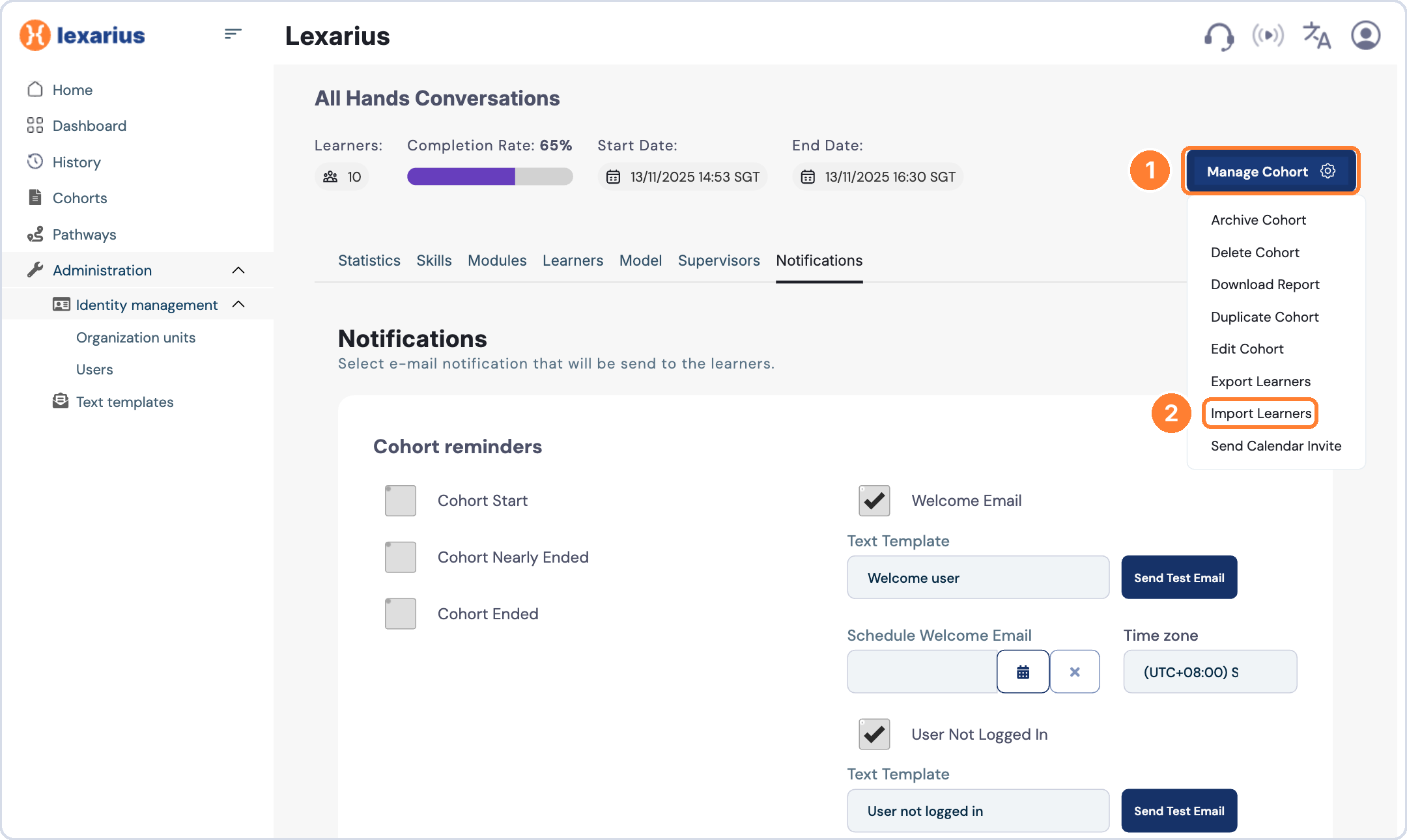
Admins, learning managers and cohort supervisors can import learners from Manage Cohort > Import Learners.
If your upload doesn't work
- Confirm that you have admin, learning manager or supervisor access to the cohort.
- Check that you are using the template provided in the import window.
- Make sure all required fields are completed.
- Confirm that the learners already exist as users on the platform.
If it still doesn't work, contact our support team and attach the file you are trying to upload so we can help.