What should I do if I can't hear the persona?
Test your speaker with the setup check, then check your volume, audio permissions and output device.
Test your speaker
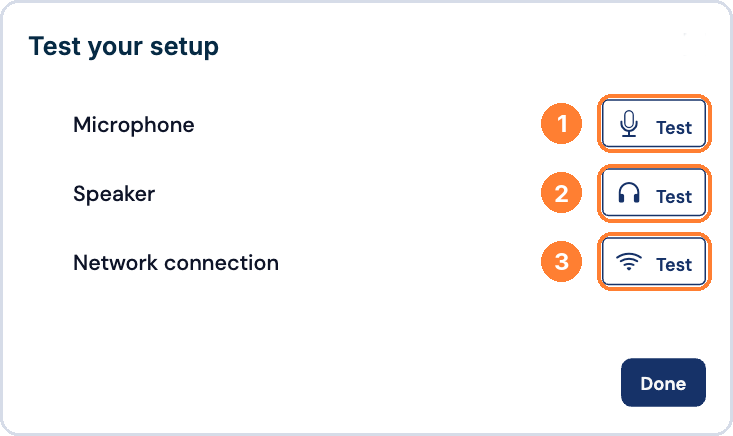
- Click the setup check icon (headphones) in the top bar.
- Next to Speaker, click Test.
If you still can't hear the persona
- Check that your device volume is turned up and not muted.
- Make sure your browser is allowed to play audio.
- Confirm the correct output, such as speakers or headphones, is selected.
- Refresh the page or restart the roleplay.
- Try Chrome for the best experience.