How do I download my feedback as a PDF?
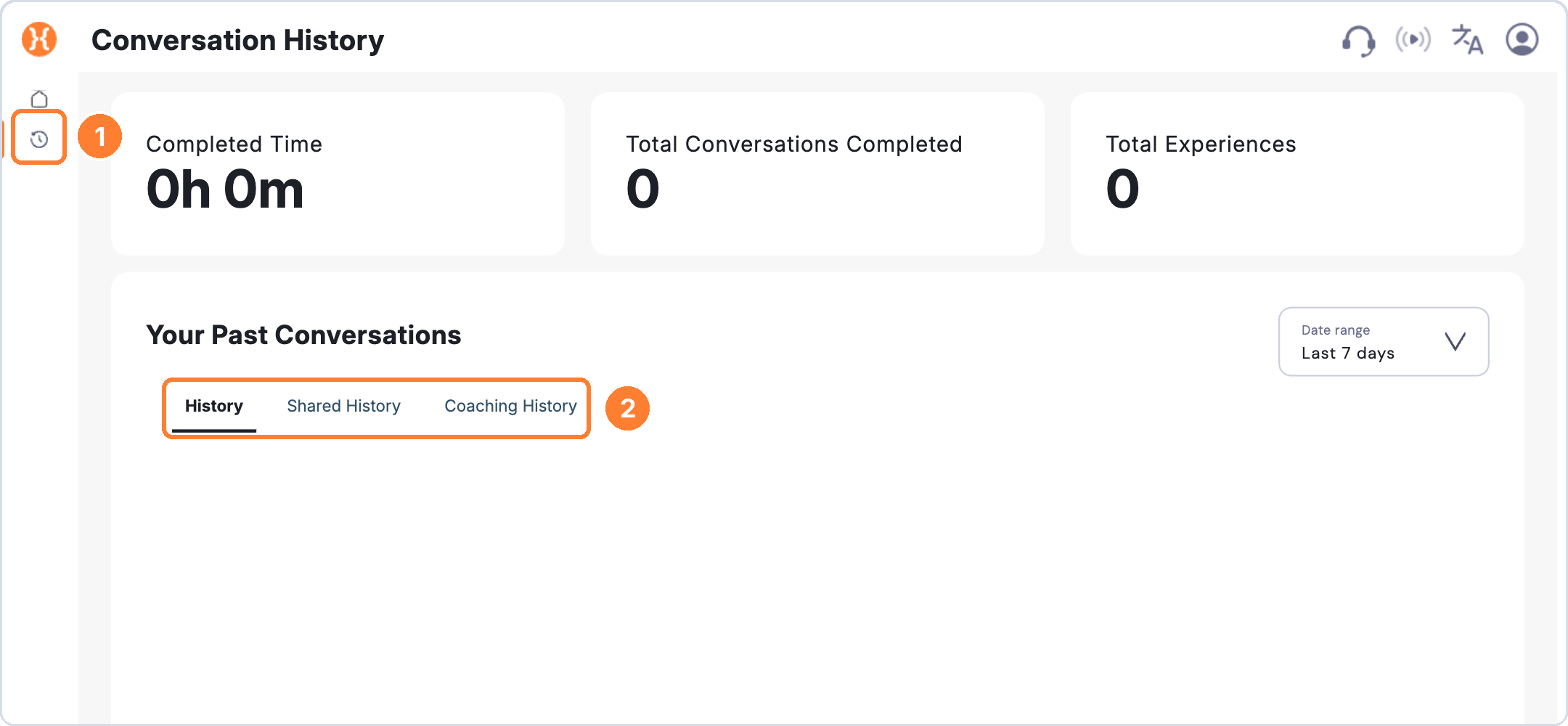
Download the feedback from any completed roleplay as a PDF from History.
To download your feedback
- Click History in the left-hand menu.
- Open the completed roleplay.
- Download the feedback as a PDF.
You can then save it, review it later or share it with a coach or colleague.