Can I switch between audio and video during a roleplay?
Choose Video Mode or Audio Only before you start. To change it, restart the roleplay.
Choose your mode before you start
- On the preview page, go to Session Preferences.
- Select Video Mode or Audio Only.
- Click PROCEED.
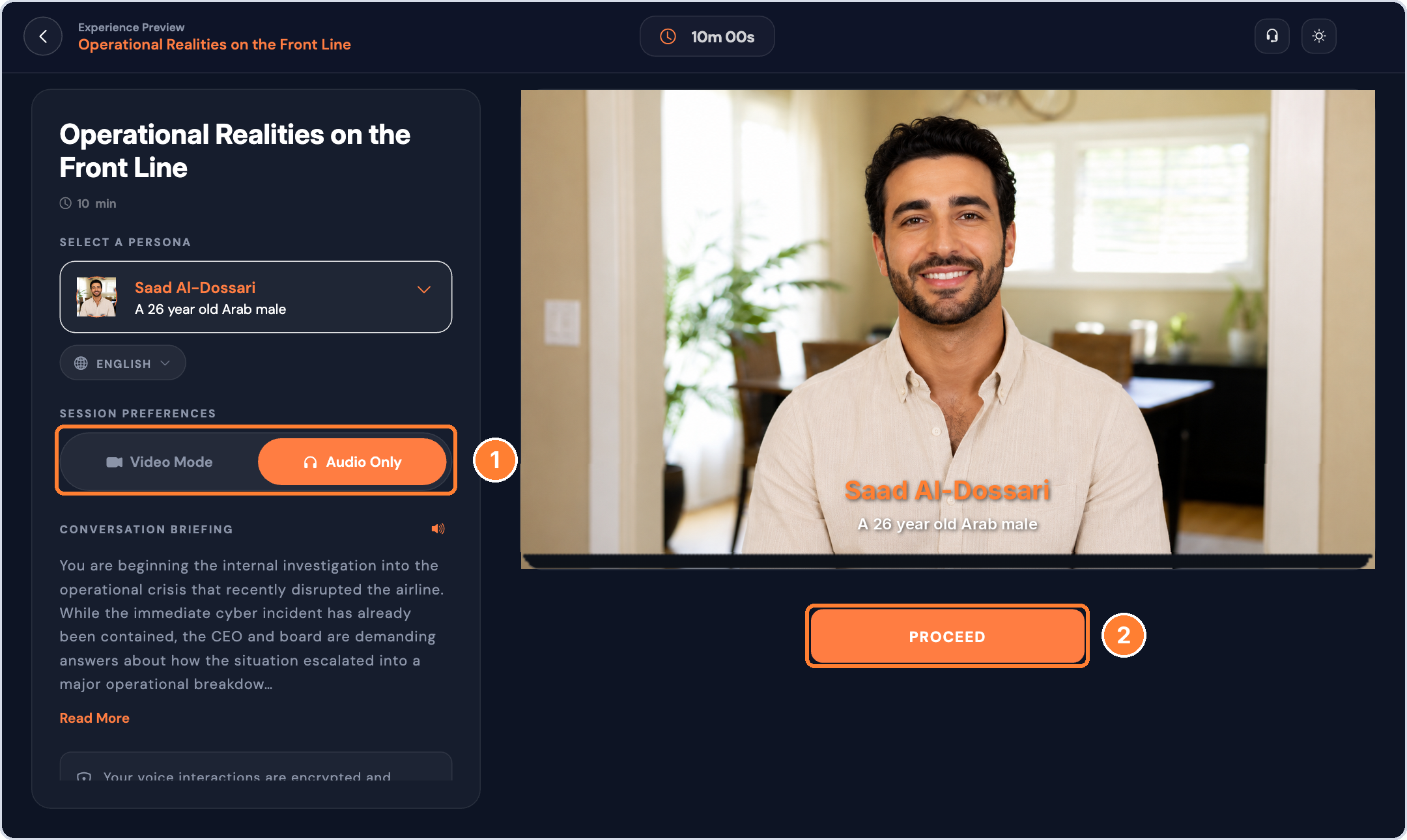
Once the conversation begins, you can't switch modes. To use a different mode, restart the roleplay and pick the other option.
Tip: if your connection is slow, choose Audio Only for a smoother conversation.