How do I replay the welcome video?
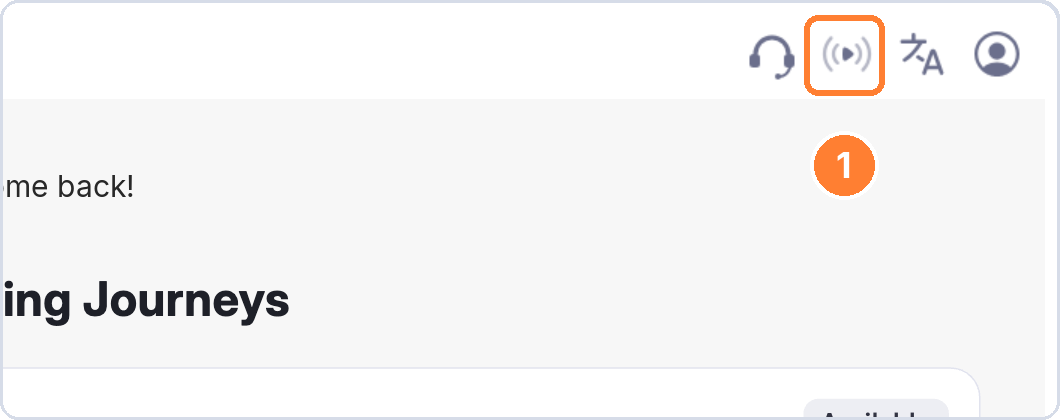
Replay the welcome video any time from the play button at the top right of the platform.
The welcome video plays automatically the first time you log in. It walks you through the learner experience from start to finish, and you can replay it whenever you need a refresher.
To replay the welcome video
- Log in to the platform.
- Click the play button at the top right of the screen.
- The welcome video opens straight away.
You can watch it as many times as you like. Replaying it does not affect your progress or your scores.
If you can't see the play button
Your administrator has most likely turned off welcome videos for your organisation. Contact your administrator if you would like it turned on.
What the video covers
- Getting started and finding your way around the platform
- Completing a roleplay
- Reviewing your feedback once the roleplay ends
- Understanding your skills score and what each rating means
- Reporting an issue if something does not work as expected
- Rating your experience at the end of a session